DXF AI Lab
We test it
so you don't have to.
Experiments, prototypes and R&D with the latest AI tools. Everything we learn here goes into client work, including knowing when not to use AI.
The meerkat test
Before a character job for DP World, we prototyped the hero meerkat with AI, starting from simple Maya blockouts. Drag to see a simple Maya playblast, a wireframe meerkat and a blue box, become a jungle chase with a rusty container. Pose, stride and placement stay exactly as animated.
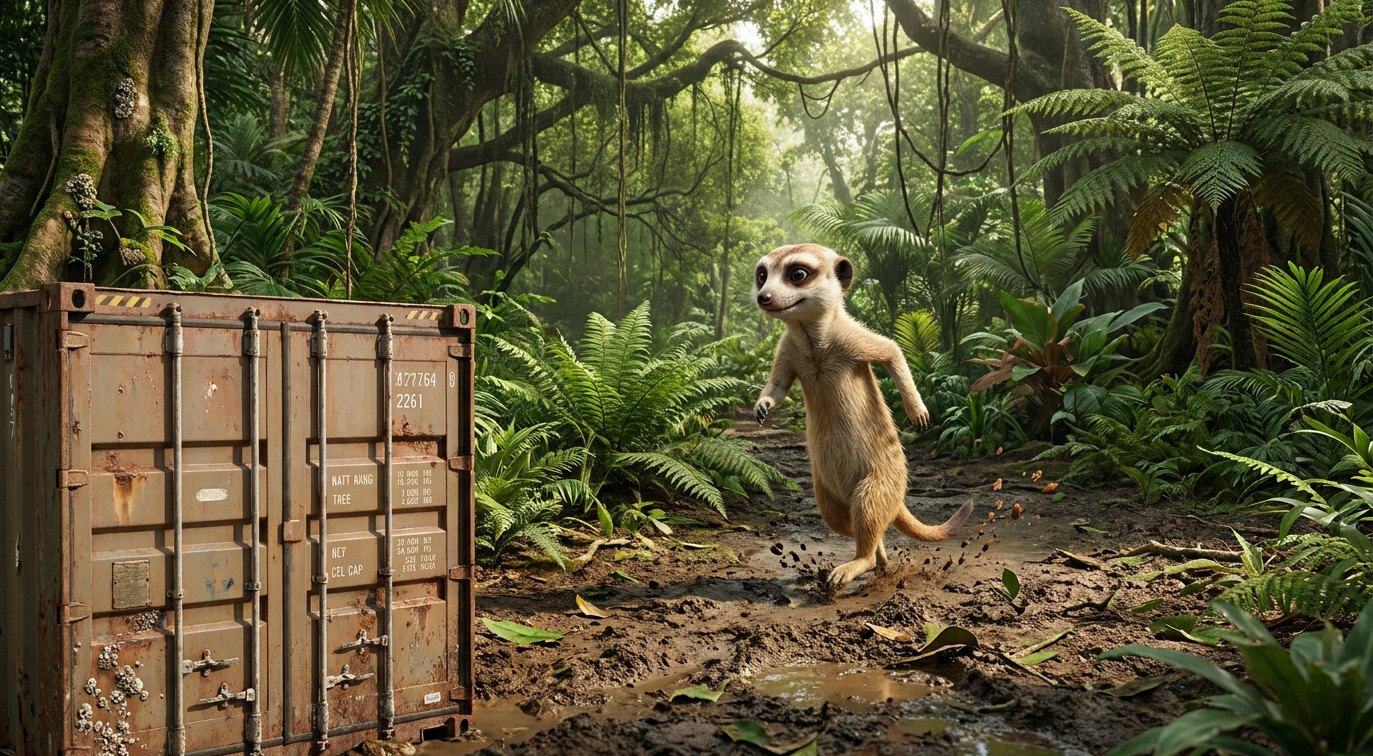
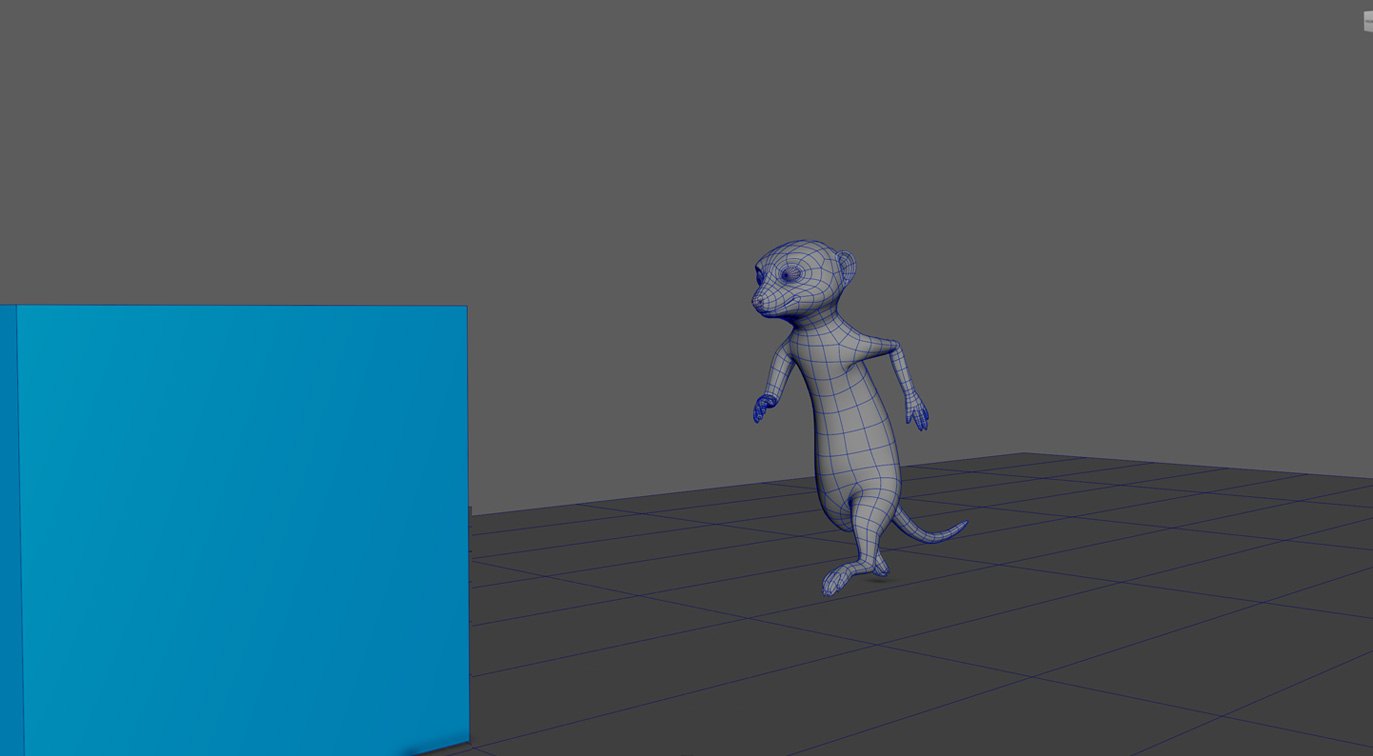 Maya playblastAI frame
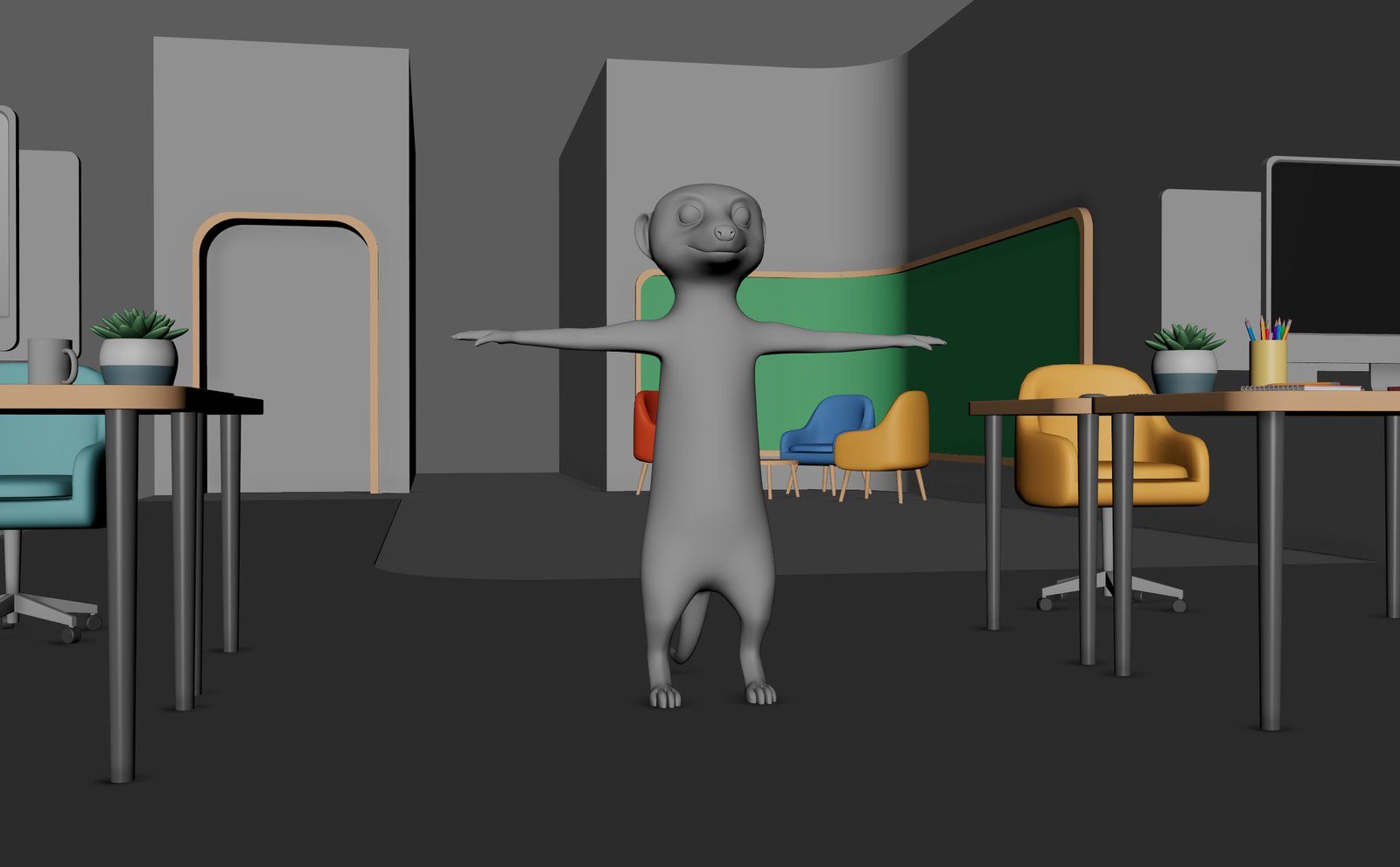 3D set
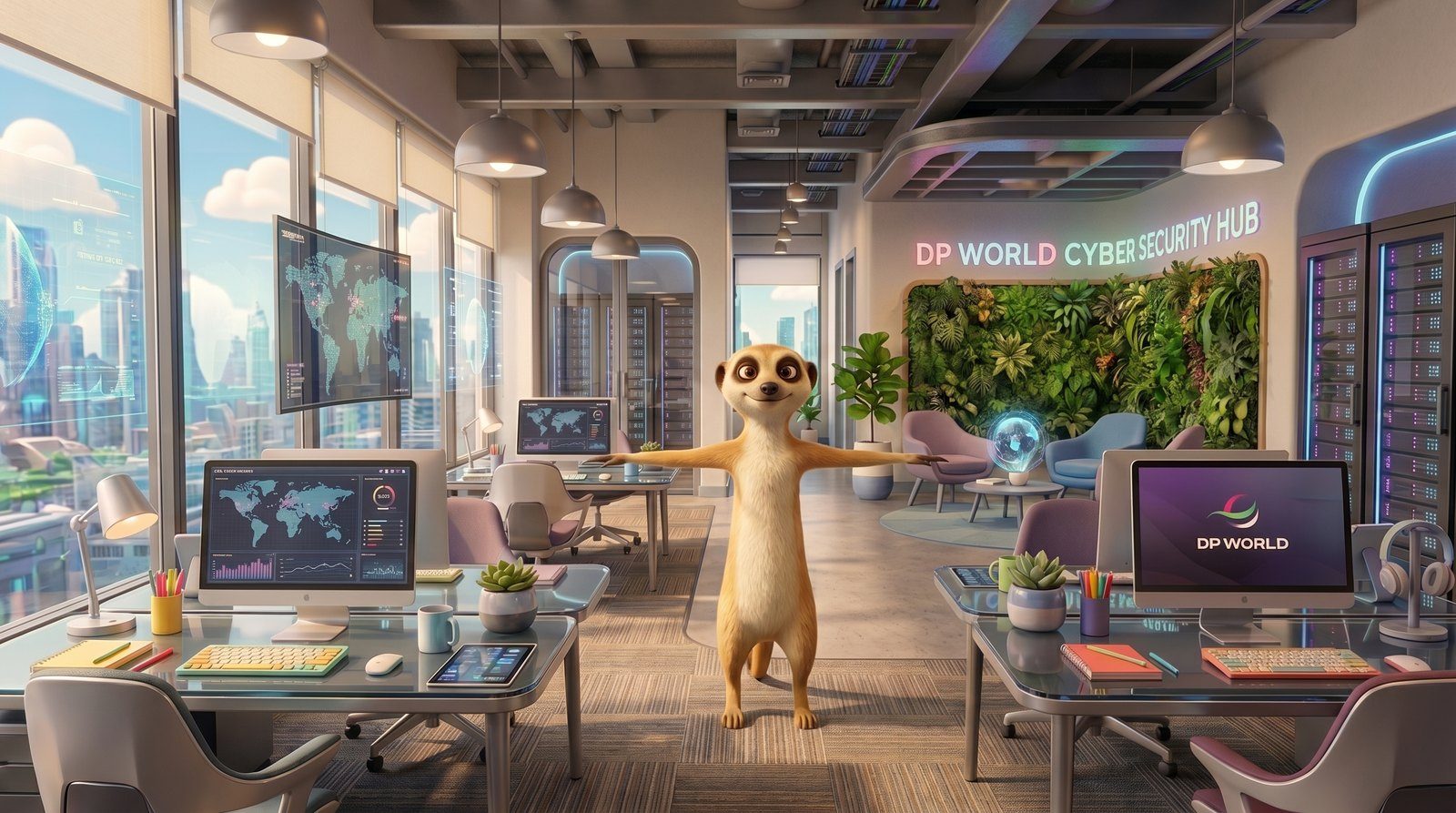 AI frame
The verdict
We went traditional 3D
The AI frames were fast and looked great. But the brief kept evolving, and every round of changes risked the character drifting from shot to shot.
So we built the final film fully in 3D, where every revision is controlled and the meerkat stays exactly on-model. Same character, the right tool.
Knowing when not to use AI is part of the craft.
One ship.
Endless worlds.
We modelled and animated the ship once in Maya. Then AI did the world-building: brass steampunk, chrome and neon, living organic, even blueprint and anime, all from the same locked design and motion.
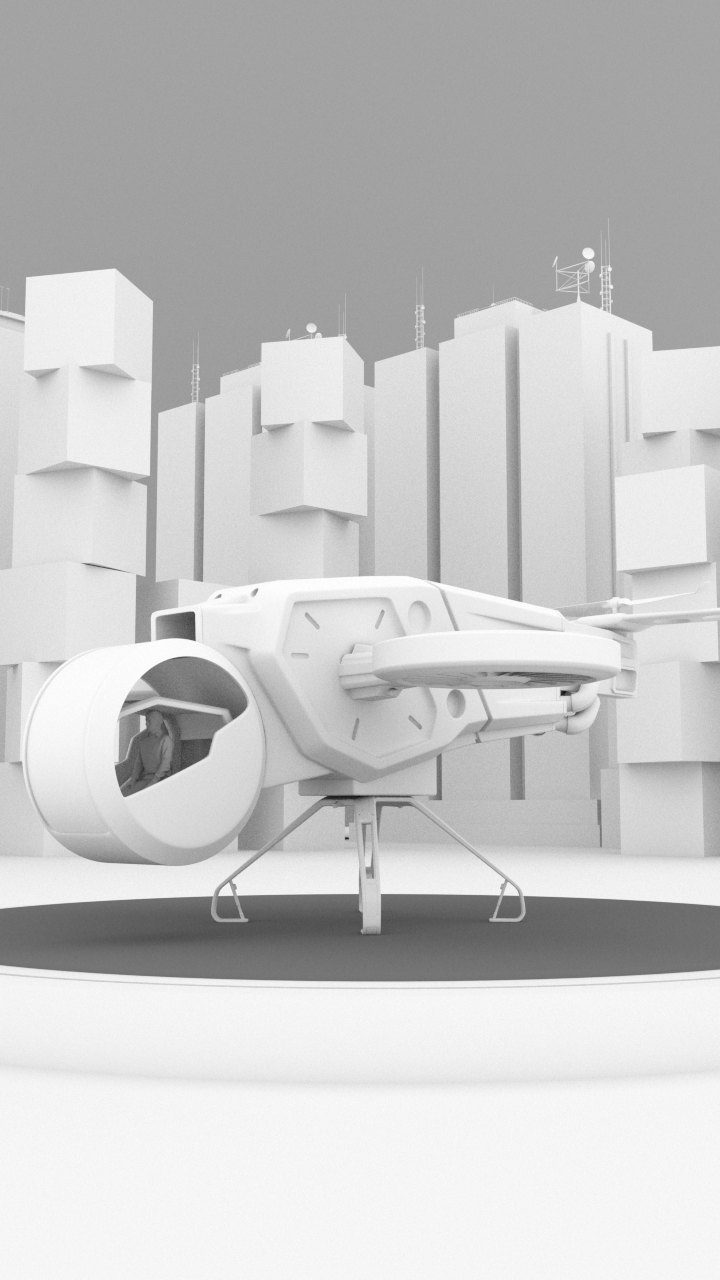 01 · Maya
Model & animate in 3D
Design, scale and motion are locked first.
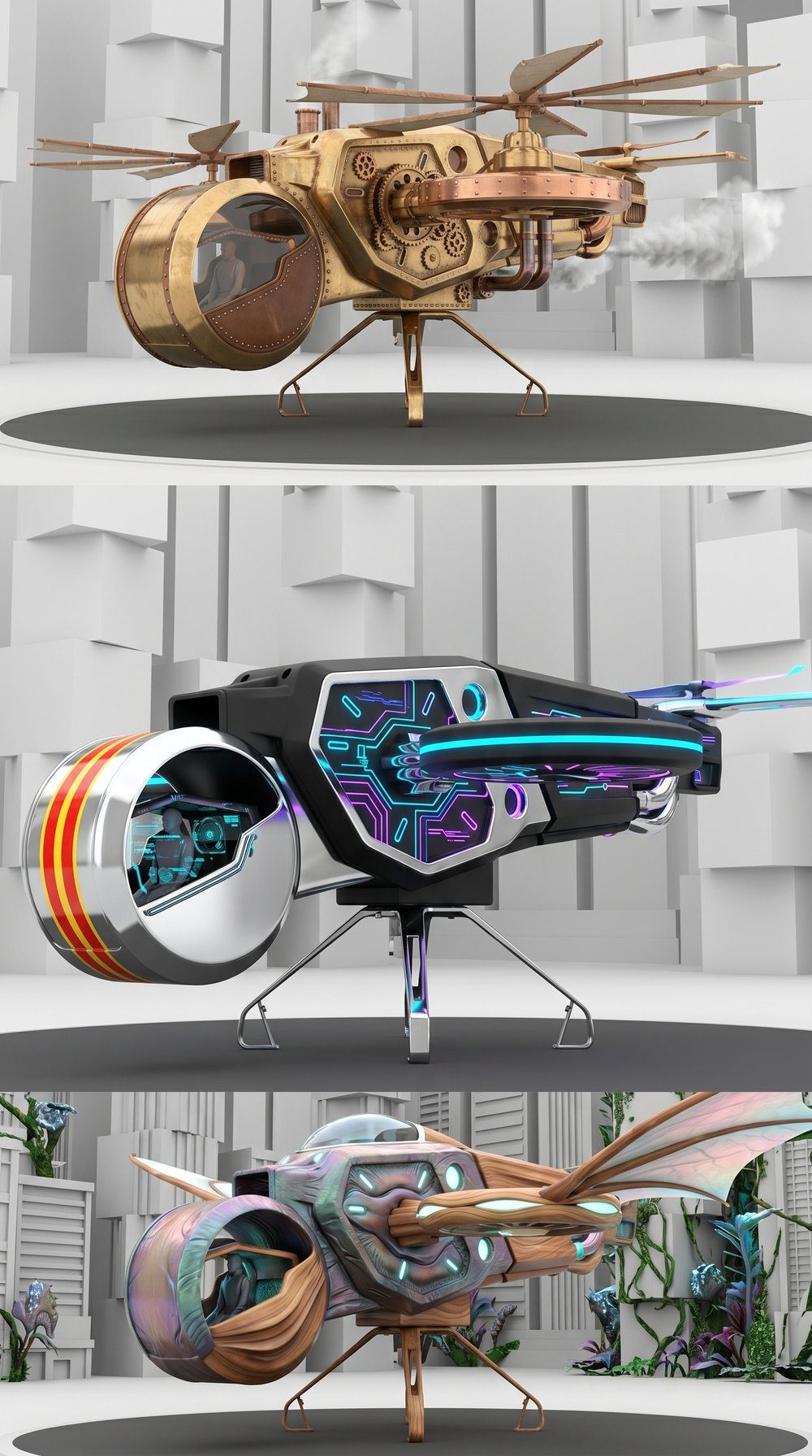 02 · AI
Swap the materials
Brass, chrome, living tissue. Same ship every time.
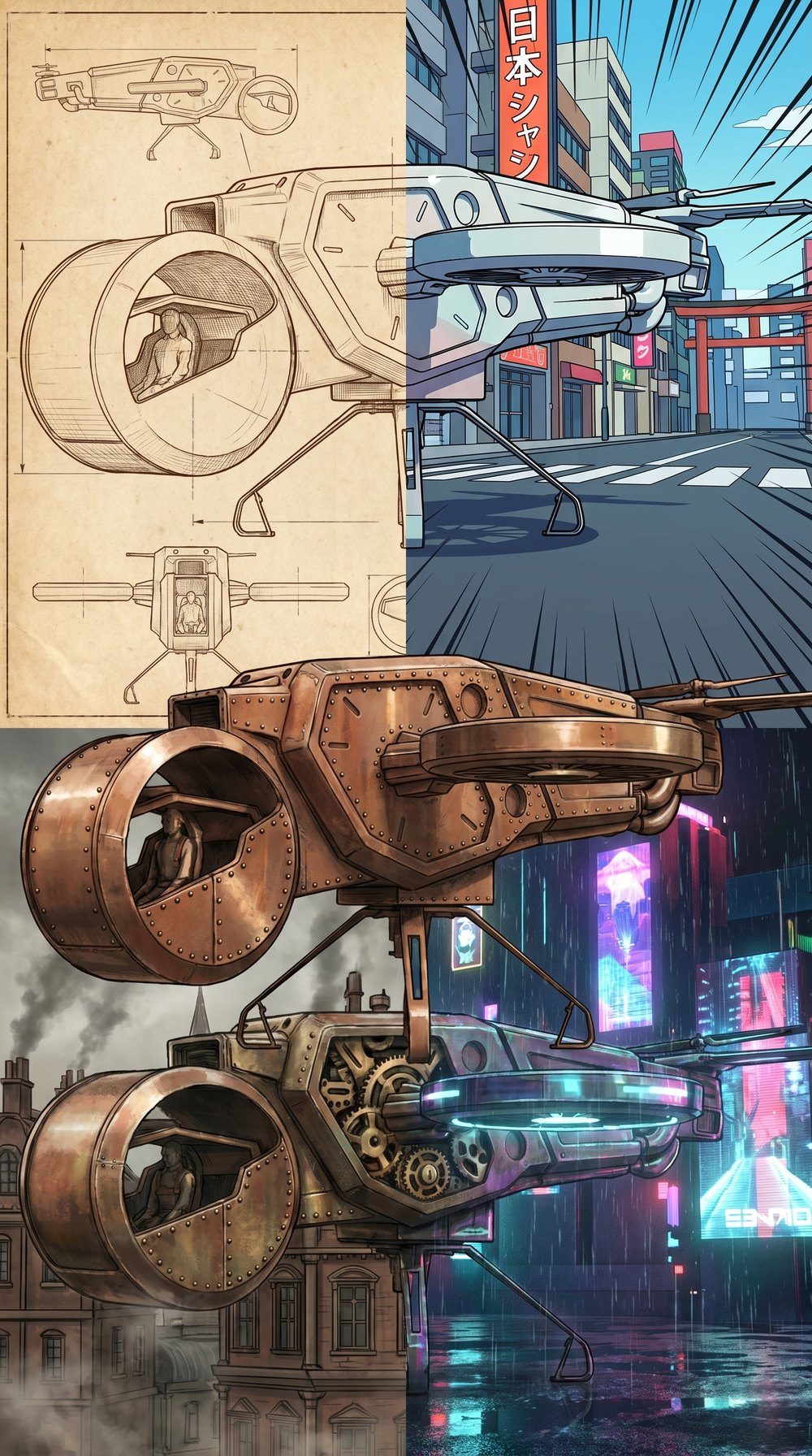 03 · AI
Swap the style
Blueprint, anime, steampunk, cyberpunk.
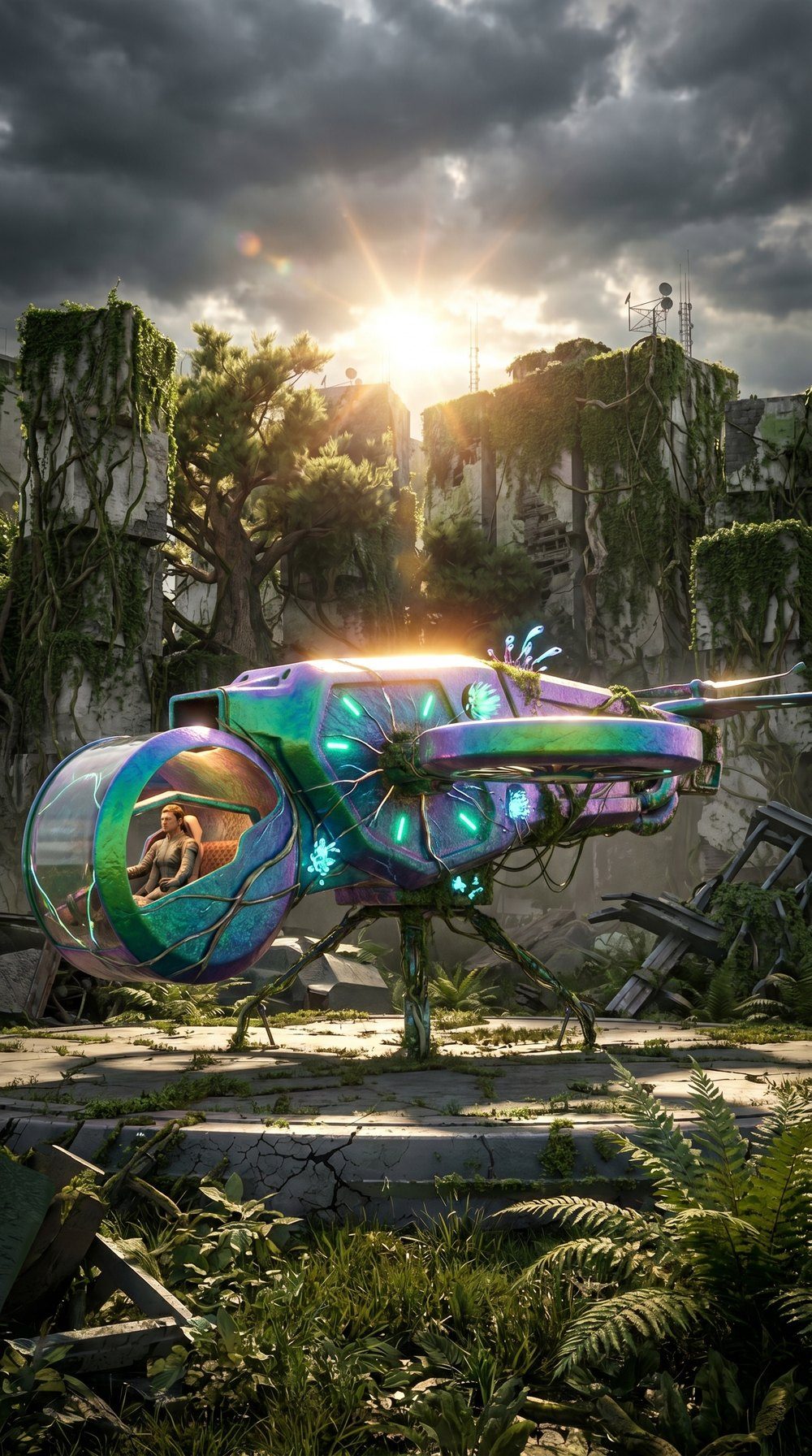 04 · Final
Build the world
A full hero frame, ready for the edit.
The verdict
AI wins, with 3D driving
Because the animation is done in 3D first, every version flies exactly the same way. AI only changes the look, never the design or the motion.
For a client, that means testing many looks for a fraction of the cost, then committing to the one that works.
From a simple shape
to a dragon.
A rough Maya head, animated for the roar, with no teeth, scales or detail. AI added the creature, the forest and the light, while the 3D kept the performance exactly as animated.
▶ Watch it roar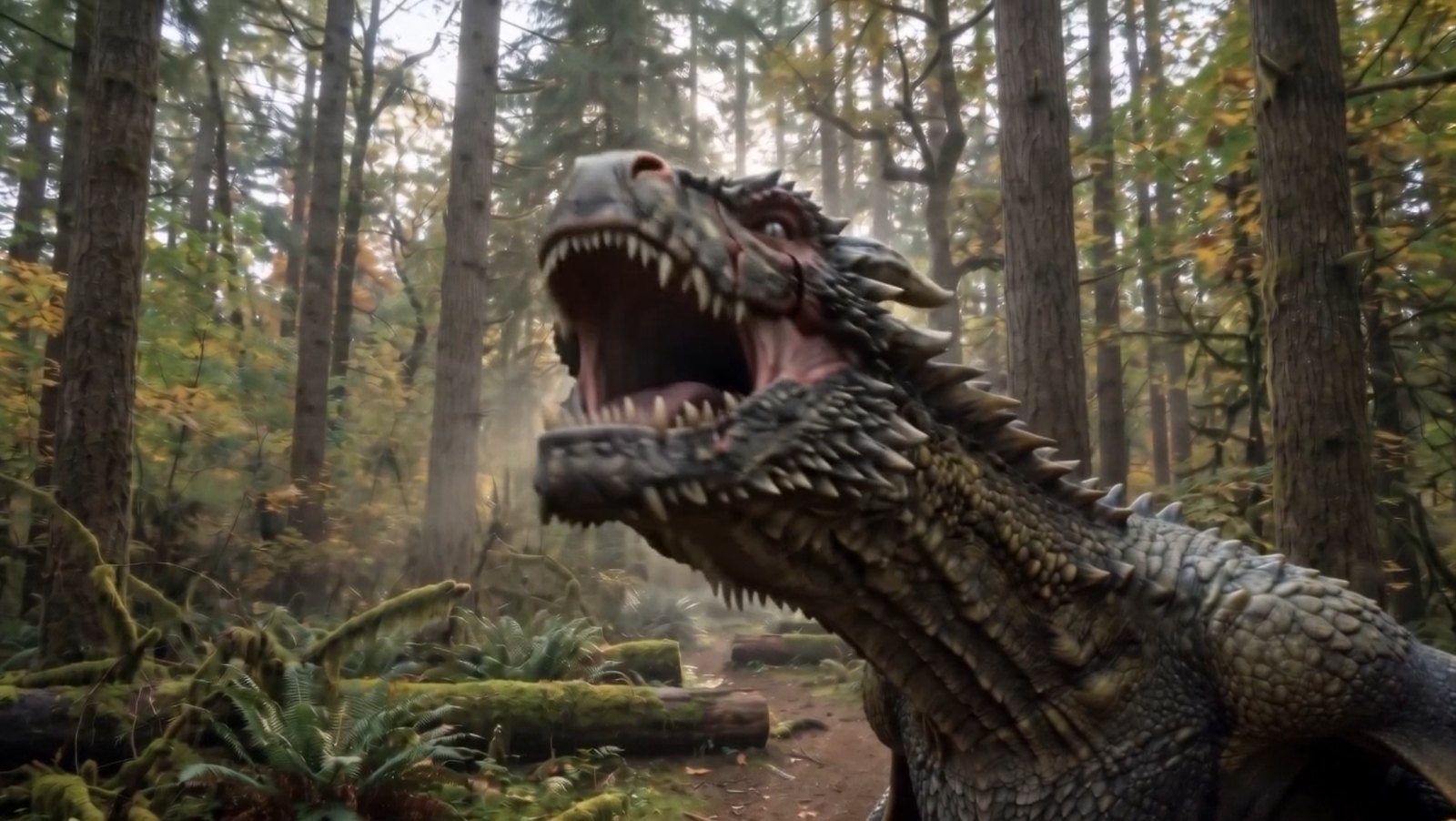
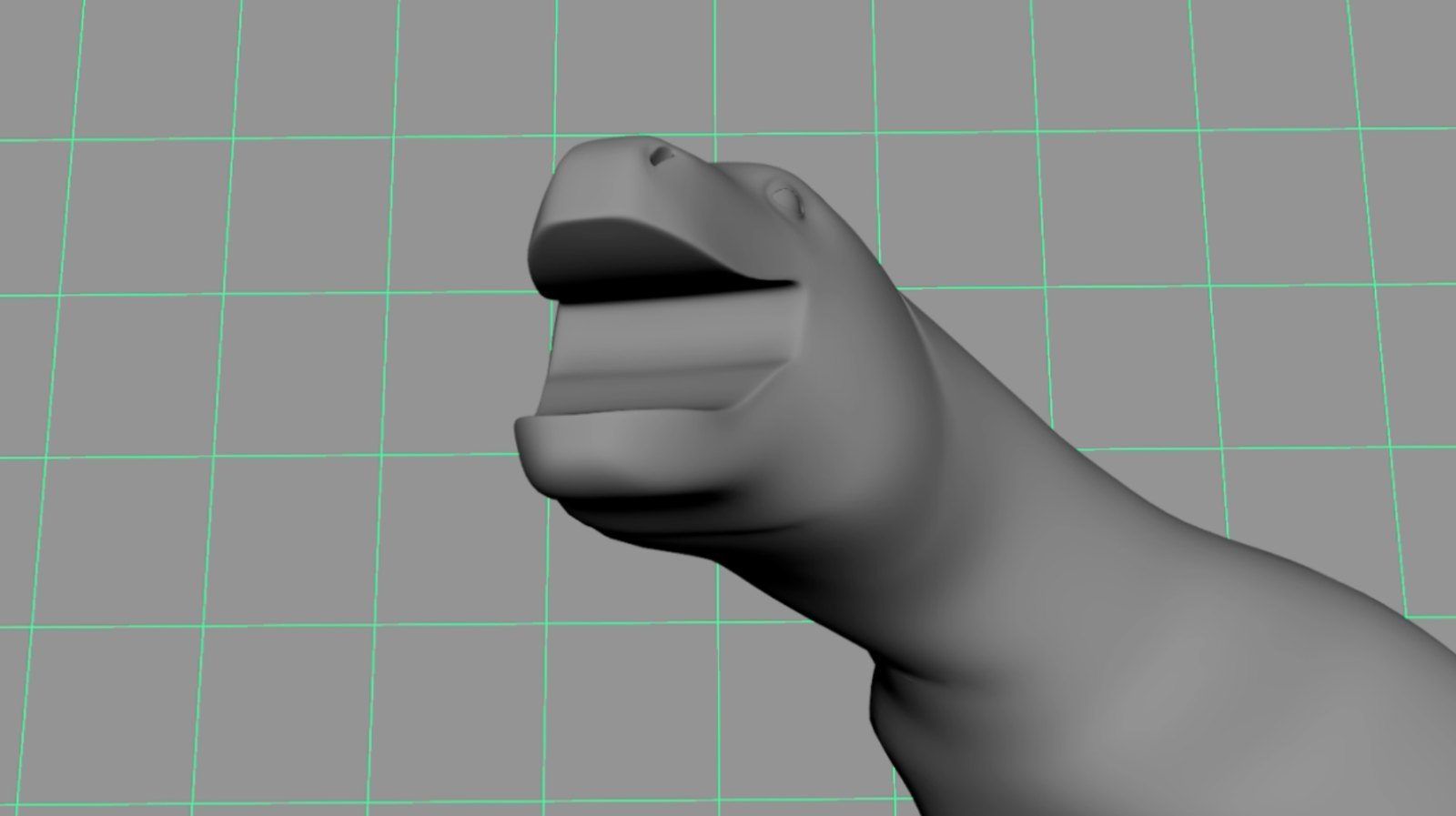 Maya blockoutAI frame
One robot.
Two lives.
Every panel, bolt and track was modelled in Maya, front and back. AI then gave the same robot two very different histories: factory-fresh with glowing lights, or decades of rust in the field.
▶ Watch it move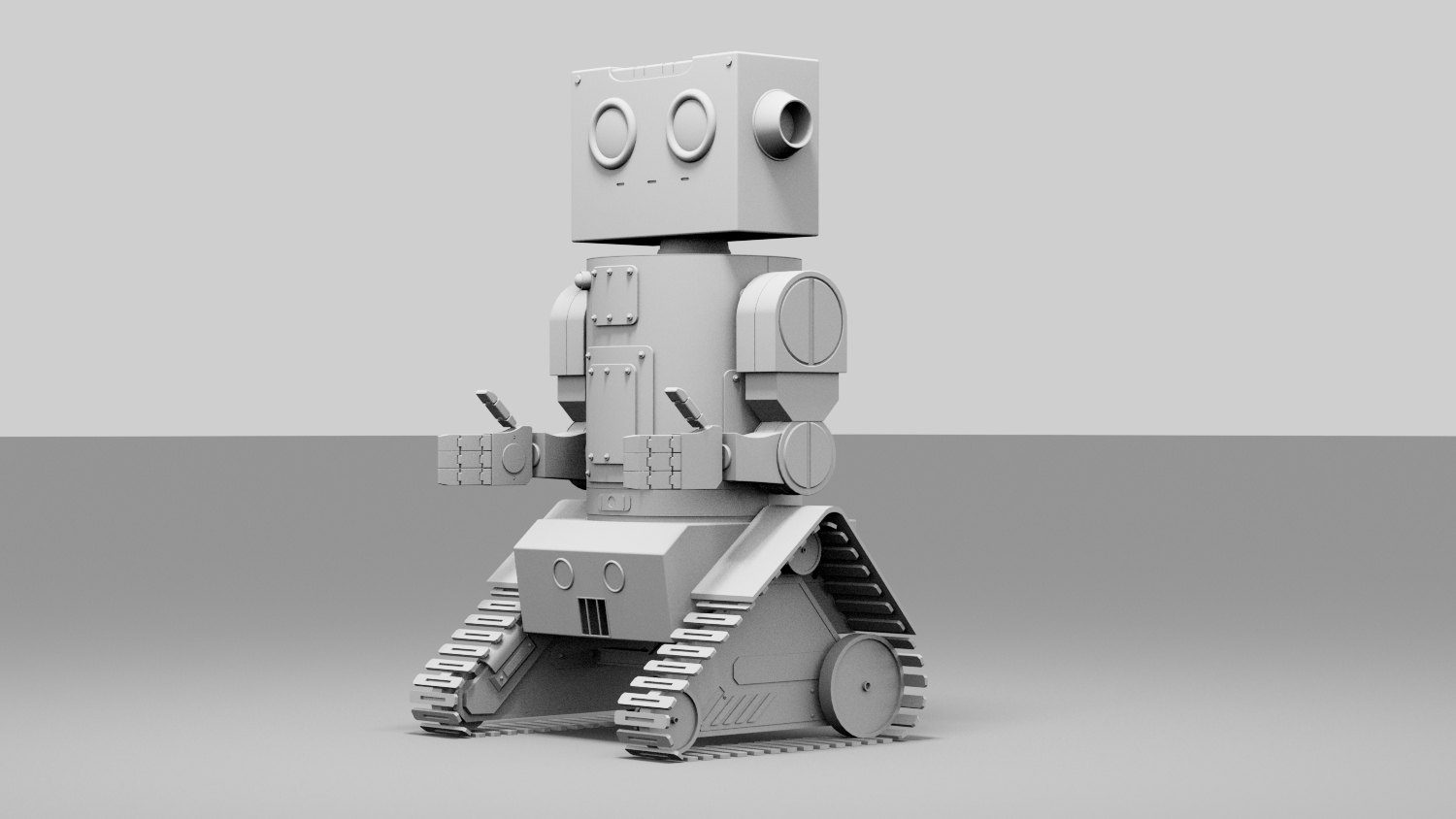 Maya · front
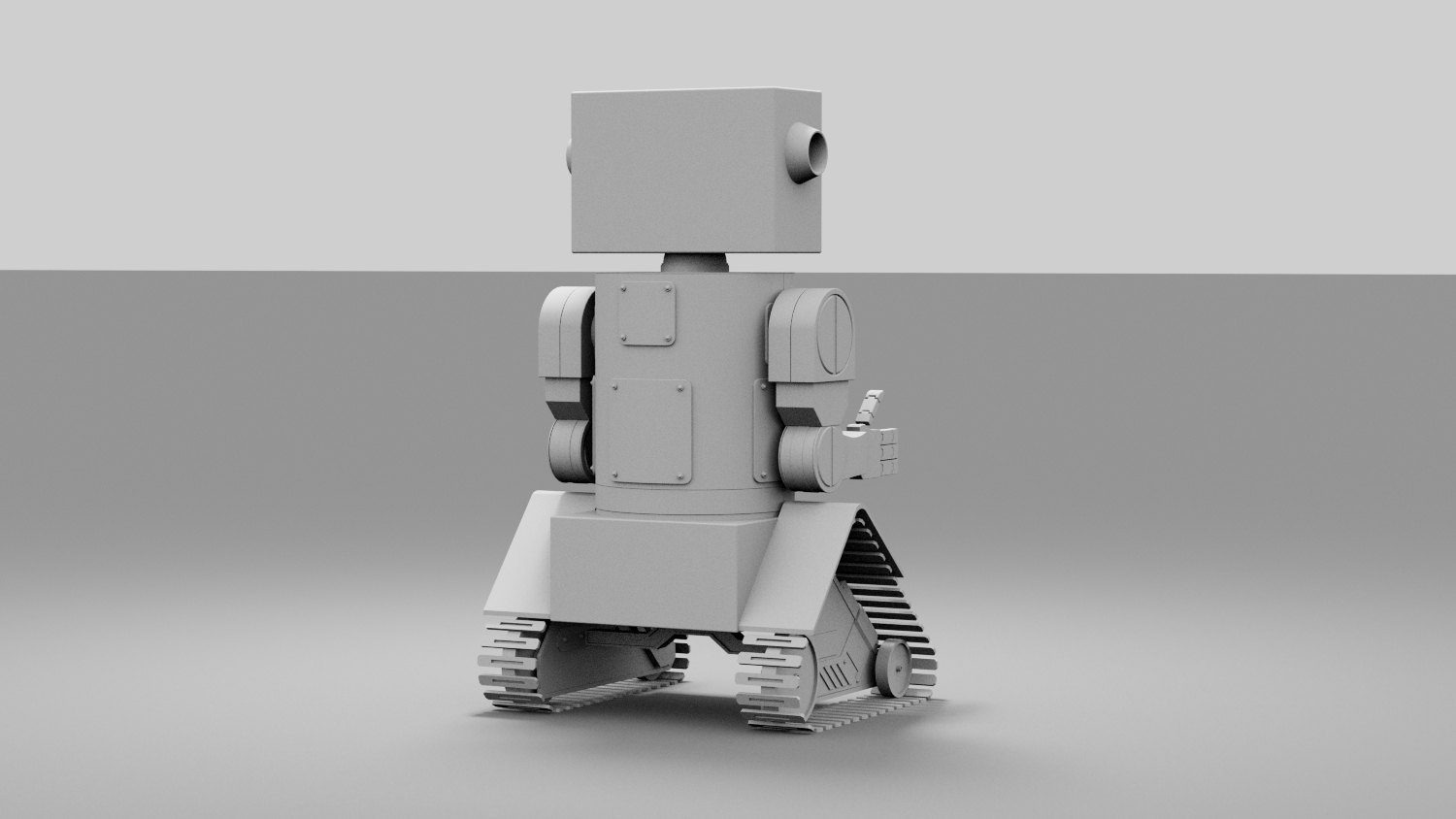 Maya · back
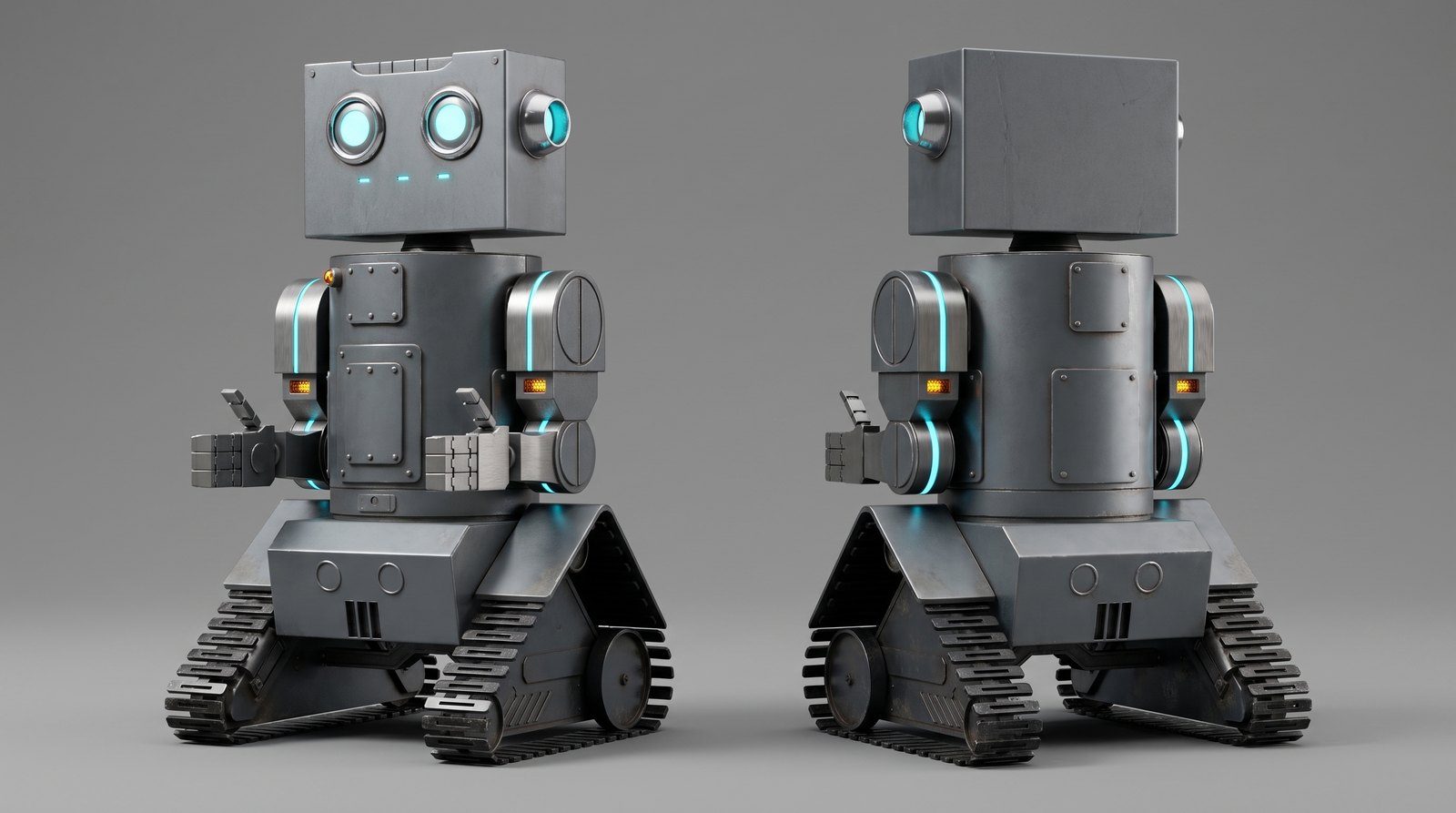 AI · factory fresh
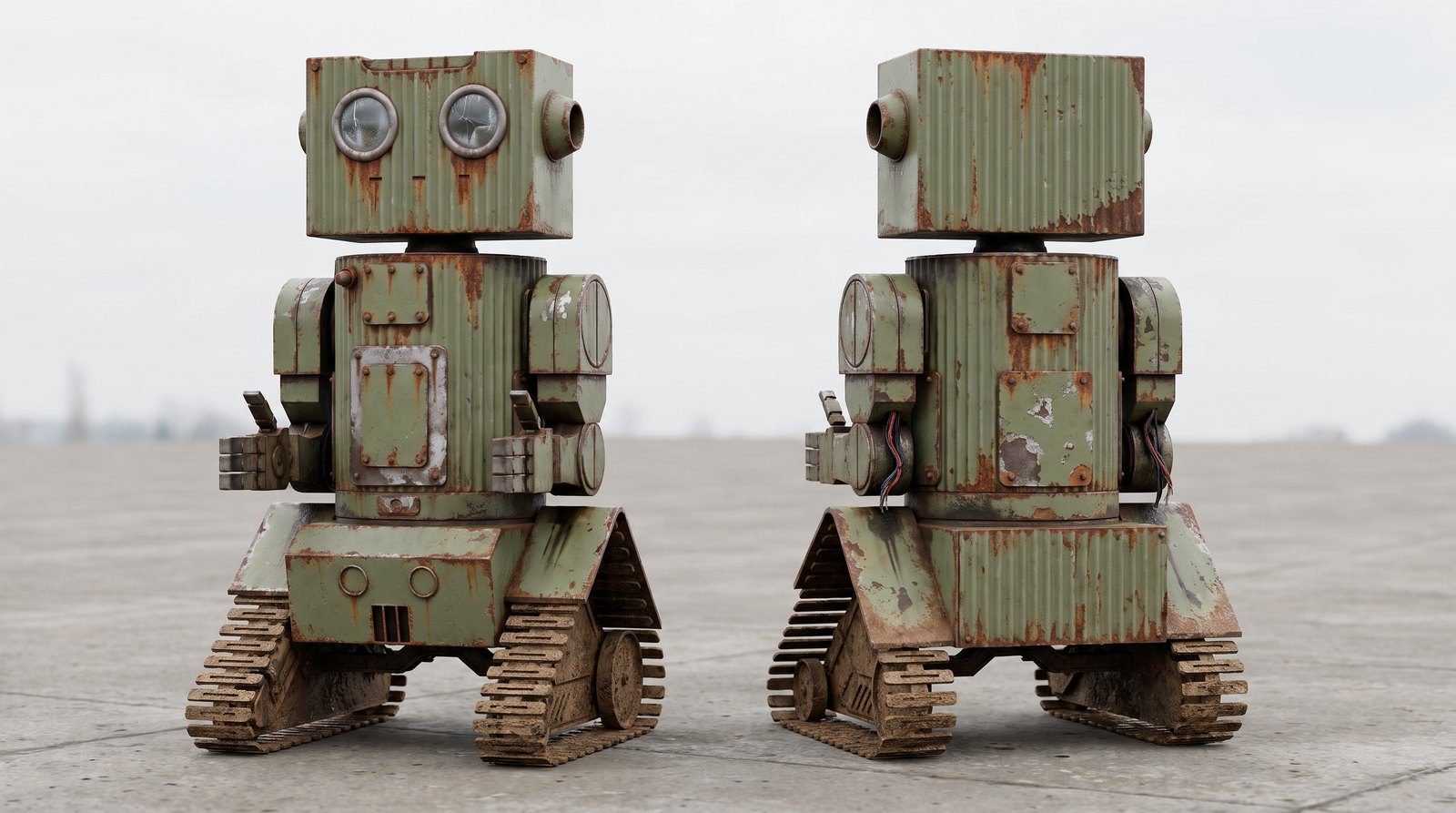 AI · left in the field
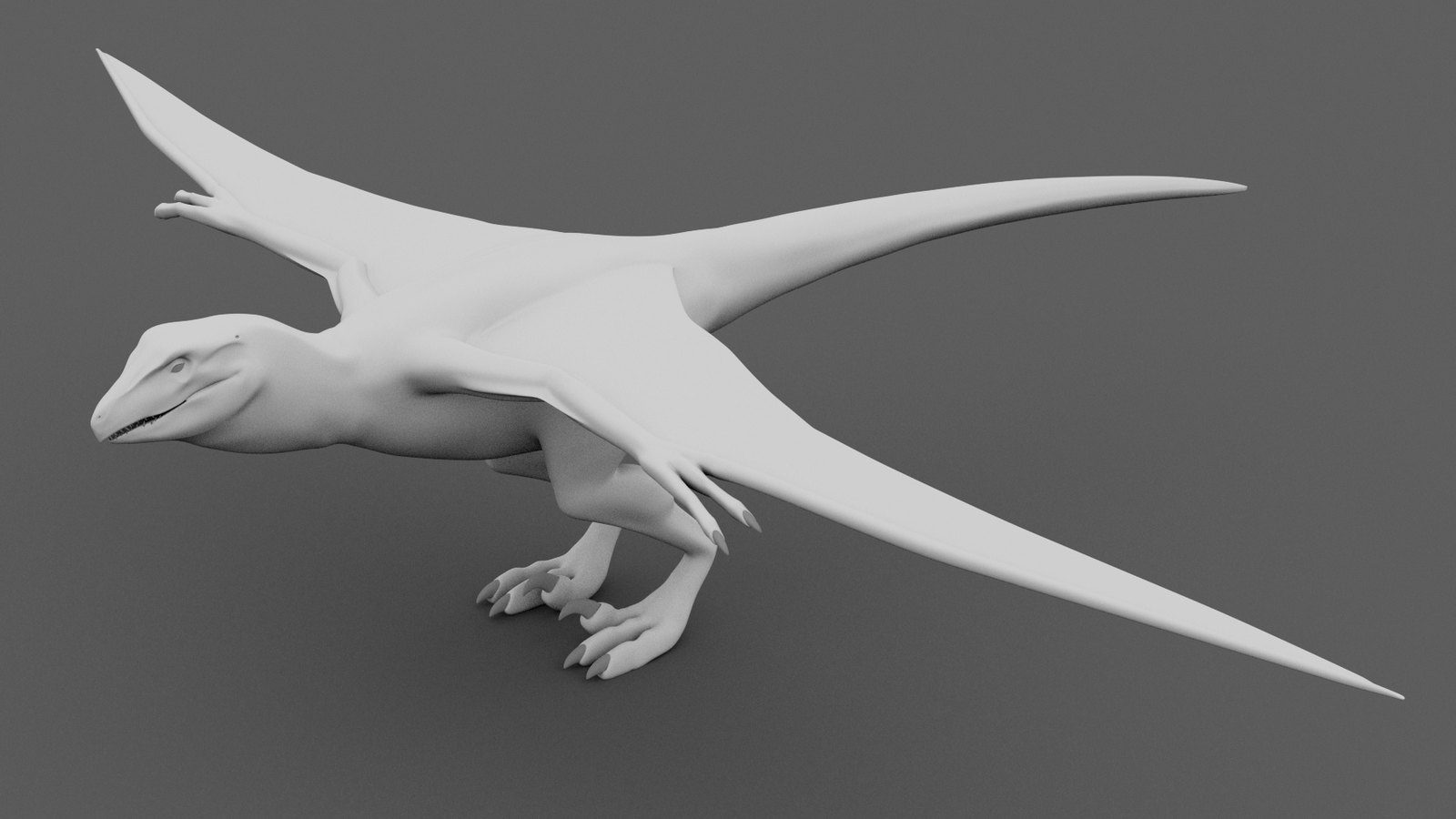 Maya modelAI skin
Clay in.
Creature out.
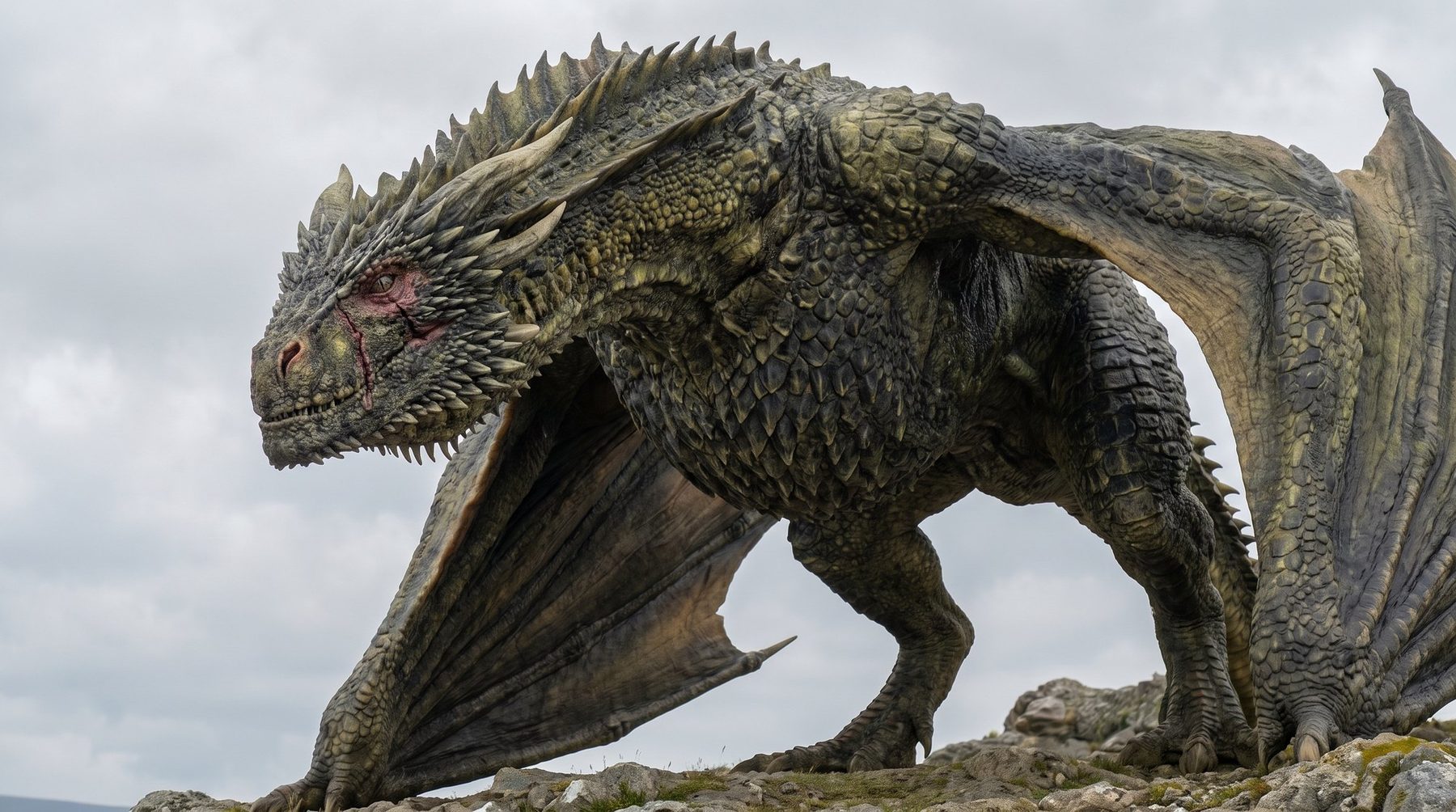
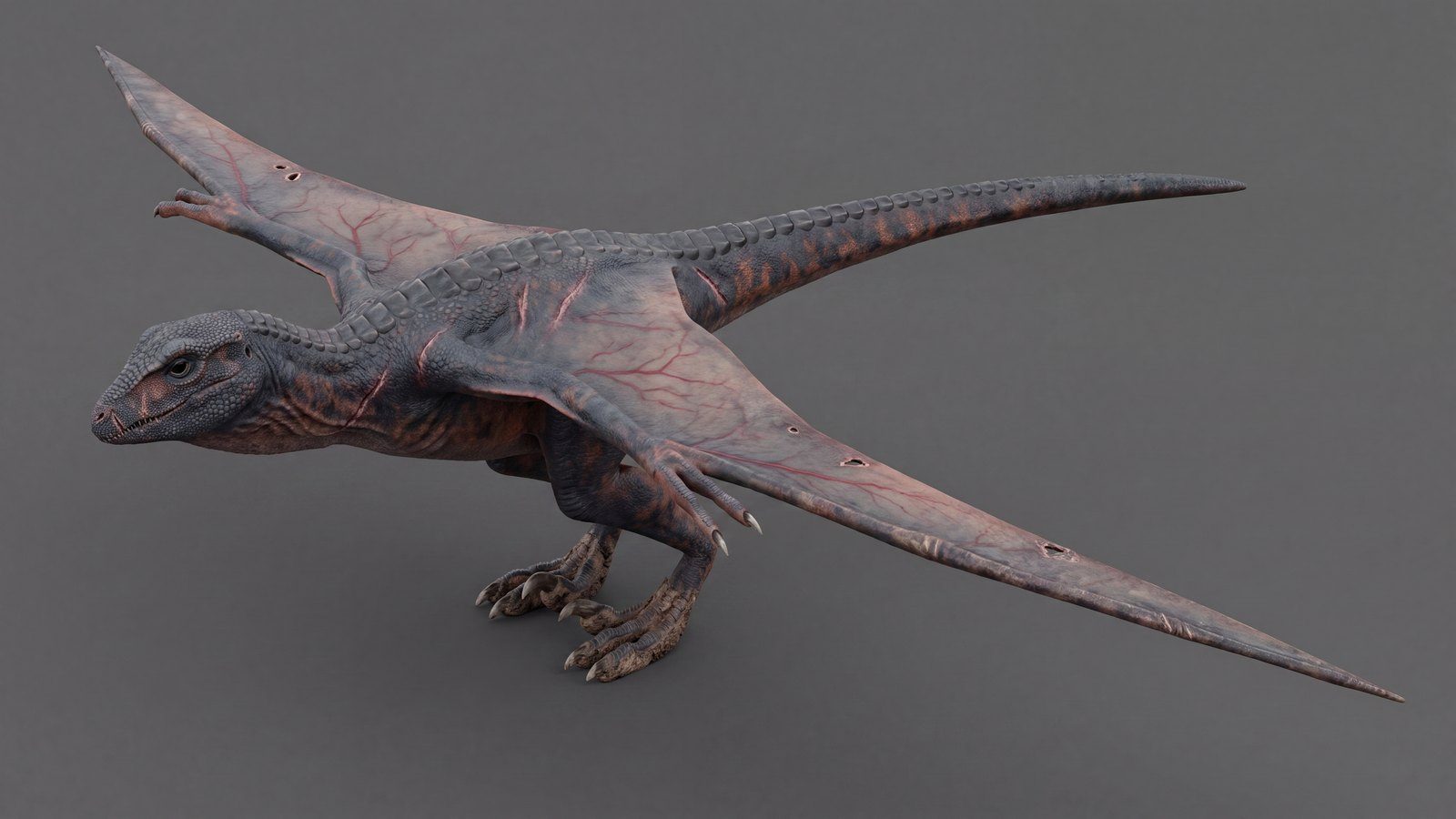
The anatomy, wing shape and pose were sculpted and animated in Maya. AI added the skin: veined wing membranes, scars, scales and colour, with every proportion exactly as modelled.
▶ Watch it fly